Google Street View in Bubble.io
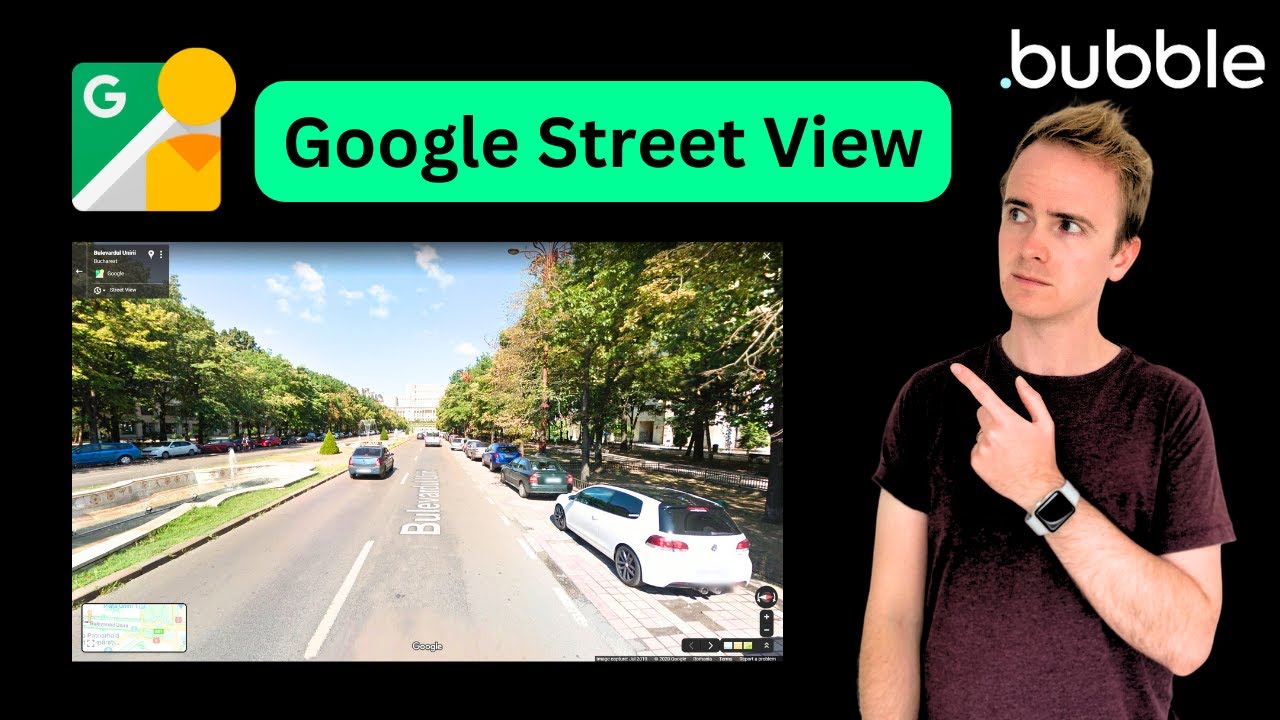
In this Bubble.io tutorial we explain how to use the Google Street View Static API and Searchbox Address lookup to display a Google Street View image of an address in your Bubble app.
Watch now
The Search Box element in Bubble.io provides autocomplete search over database records or geographic addresses. Learn to use it for user search, map lookups and navigation.
In this Bubble.io tutorial video we show how to link a Search field with a Google Maps instance. This video demonstrates and explains the need to store address…
Watch: How to Use Search Element to Display Single Map Marker On Google Maps →In this Bubble.io tutorial video we demonstrate how the Google Map element in Bubble can display multiple markers at once.
Watch: Multiple Map Markers On Google Maps Using Geographic Data →In this Bubble.io tutorial we explain how to use the Google Street View Static API and Searchbox Address lookup to display a Google Street View image of an address in your Bubble app.
Watch nowIn this Bubble tutorial we explain how to build a chat app with Bubble between your Bubble app users. This third video in a 3 part series completes this mini series demonstrating how to build your own chat app by…
Watch nowIn this Bubble.io tutorial video we show to user the Search element to give your users the ability to search a specific field of a data type in your Bubble database.
Watch nowIn this Bubble.io tutorial video we show how to link a Search field with a Google Maps instance. This video demonstrates and explains the need to store address data as Geographic field data in order to provide the…
Watch nowIn this Bubble.io tutorial video we demonstrate how the Google Map element in Bubble can display multiple markers at once.
Watch nowIn this Bubble.io tutorial video we demonstrate how to create a popup command bar or search box that is triggered by a keyboard shortcut - sometimes known as a omnibox or omnisearch. This tutorial shows how to use a…
Watch now