Send More Parameters to the Page in Bubble.io

"Send more parameters to the page" passes URL query parameters when navigating in Bubble.io. Learn to use URL parameters for filtering, deep linking and shareable page states.

How do I pass URL parameters to create shareable filtered views in Bubble.io?

In this Bubble tutorial video, the question of whether to build a one-page app or a multi-page app is explored.

Watch: One-page vs Multi-page which is better? →
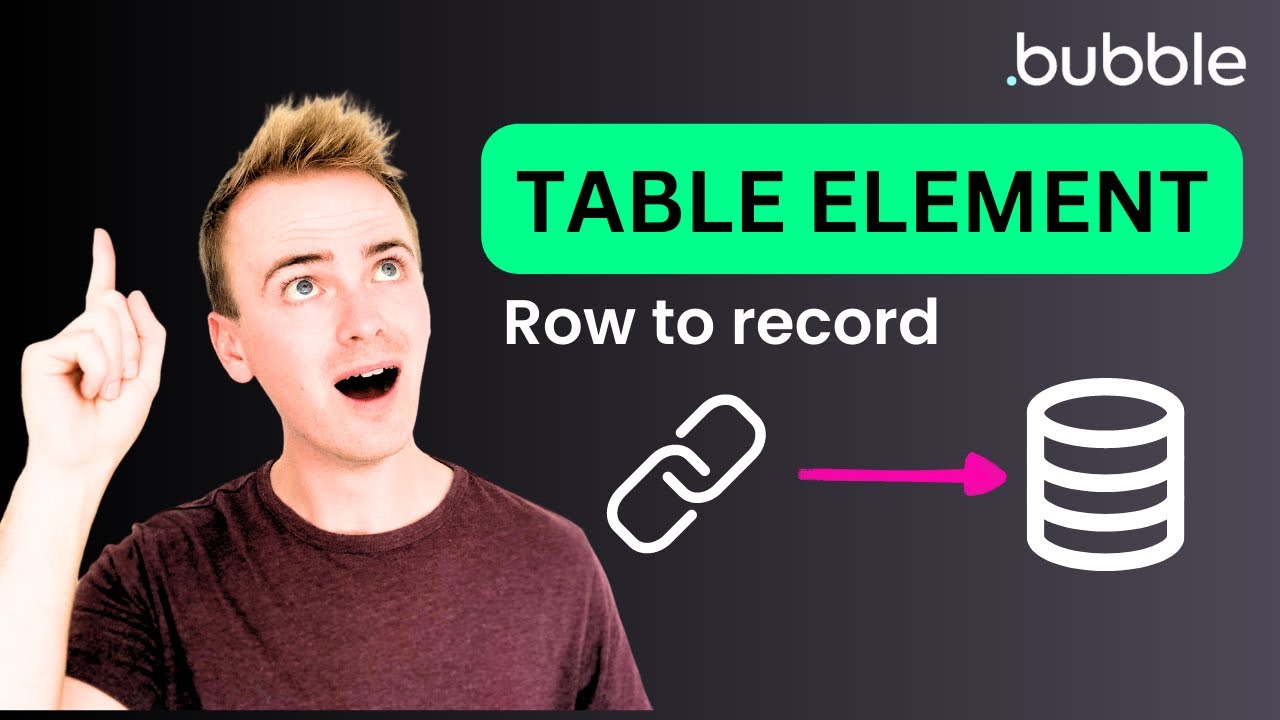
How do I link a table row to a record page using URL parameters in Bubble.io?

In this Bubble tutorial we demonstrate the new Bubble Table Element and show how you can easily link through from a record in your table to a page all about…

Watch: Bubble Table Element - Link Row to Record page →
How do I use URL parameters to improve SEO with Link elements in Bubble.io?

In this Bubble.io tutorial video we explore why using the link element is important for SEO (search engine optimization) and why you should consider using it…

Watch: Bubble.io SEO Tip: Why it's important to use Link elements →