Conditional Statements in Bubble.io

Conditional statements in Bubble.io show or hide elements, change styles, and branch workflow logic based on data values, user state or custom conditions.

How do I use conditionals to change a button's appearance based on user state in Bubble.io?

In this Bubble.io tutorial we demonstrate the basics for working with buttons in Bubble. Including adding hover effects to buttons and building custom buttons…

Watch: Bubble button element guide →
How do I add conditional branching logic to a Bubble.io workflow?

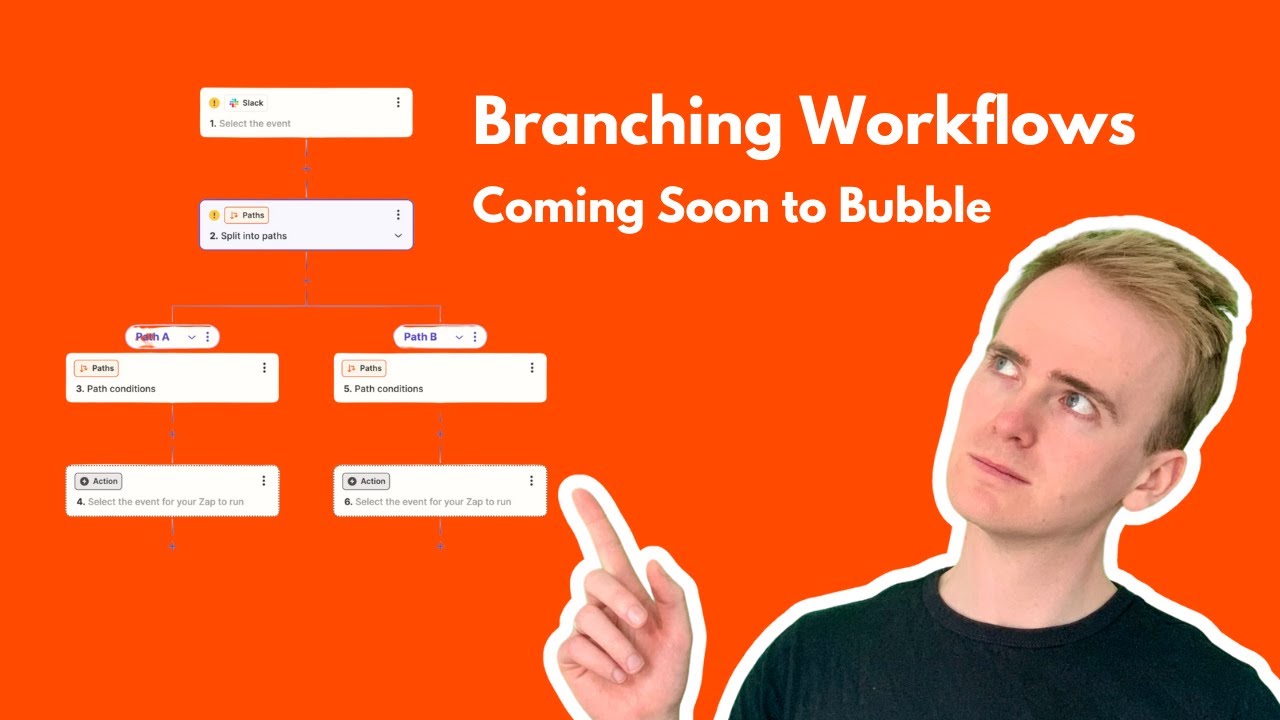
Bubble workflow editor update paves the way for exciting new features like if statements and branching logic. This top-down visual layout, similar to Zapier's…

Watch: New Bubble Workflow Editor: The Exciting Future It Paves the Way For! →
How do I use conditionals to implement an upvote feature in Bubble.io?

Providing an upvote feature for user-generated content is a significant factor for encouraging engagement and building an active user-base.

Watch: Implement an Upvote Feature like Product Hunt & Reddit →