RAG (Retrieval-Augmented Generation) and traditional AI approaches serve different purposes in no-code applications, and understanding when to use each can significantly impact your app's performance and cost-effectiveness.
Understanding RAG vs Traditional AI Context Windows
Traditional AI models like GPT-4 or Claude work with a context window - a fixed amount of text you can include in each conversation. This approach works well for general knowledge questions but has limitations when you need to access specific, private, or frequently updated information that wasn't in the model's training data.
RAG systems solve this by combining AI models with external knowledge bases. Instead of cramming all your information into the context window, RAG retrieves only the most relevant pieces of information based on the user's query, then feeds that targeted data to the AI model.
When to Choose Each Approach
Use Traditional AI with Context Window when:
You have small amounts of static information that can fit comfortably in the AI's context window. This works well for FAQ systems, onboarding documentation, or product descriptions that don't change frequently. Simply include your information in the system prompt or instructions field.
Use RAG when:
You have large knowledge bases, frequently updated content, or user-specific data that needs to remain separate. RAG excels with extensive documentation, customer support systems, or applications where users upload their own files for analysis.
Implementation Differences in Bubble.io
For traditional AI approaches in Bubble.io, you'll typically use the API Connector to send requests directly to OpenAI, Claude, or other AI providers. Your workflow includes the user's question plus any relevant context in a single API call.
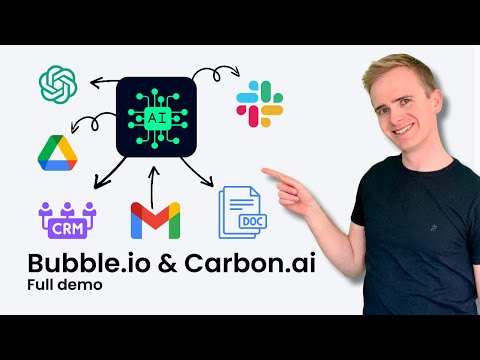
For RAG implementation in Bubble.io, you need a two-step process: first, query your knowledge base to retrieve relevant information, then combine that information with the user's question in your AI API call. This requires integrating with vector databases or RAG providers.
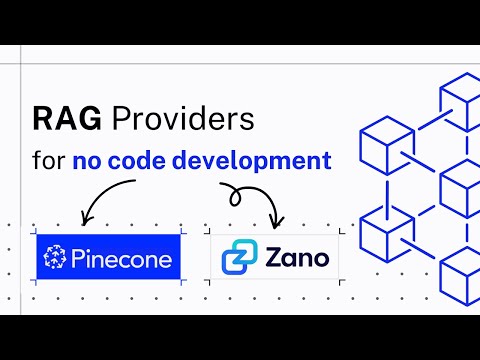
RAG Provider Options for No-Code Developers
Several providers make RAG accessible to no-code developers. OpenAI's File Search feature handles the entire RAG process for you - upload files to vector stores, and OpenAI manages chunking, embeddings, and retrieval automatically.
Pinecone offers a comprehensive vector database platform with advanced features for recommendations and search. While more complex to set up, it provides greater control over your RAG implementation.
Xano combines database functionality with vector storage, making it ideal for no-code developers who want to maintain their own RAG systems. Since Carbon.ai shut down in 2025, Xano has become a popular alternative for developers seeking reliable, long-term solutions.
Practical Use Cases and Applications
RAG systems shine in applications like customer support chatbots trained on your help documentation, educational platforms that can answer questions from course materials, or research tools that can query large document collections.
Traditional AI approaches work better for conversational interfaces, creative writing assistance, or general-purpose chatbots that don't need access to specific external knowledge.
The choice between RAG and traditional AI approaches often comes down to your specific use case, data volume, and privacy requirements. For most no-code applications, starting with a traditional approach and evolving to RAG as your knowledge base grows provides the best balance of simplicity and functionality.