Add a calendar to a Bubble.io app
In this Bubble.io tutorial video we show how to add a calendar to your Bubble app. We demonstrate how to create a data type for Events and display these events in Full Calendar by Bubble.
Watch now
The "Create a new thing" action saves a new record to your Bubble database. Learn how to use it in workflows, forms, API responses and backend processes.
Learn how to efficiently manage multiple entries and create individual items in your Bubble.io database using backend workflows.
Watch: Save multiple items separately in Bubble.io database →In this Bubble tutorial for beginners we explain how you can create new entries in your Bubble database using a form. We use the Create new thing workflow…
Watch: Bubble.io Beginners - How to create a new database entry →In this Bubble tutorial, we'll guide you through the process of creating a form in Bubble.io. You'll learn how to add design elements and create a functional…
Watch: Building a form in Bubble - Beginner’s guide →In this Bubble.io tutorial video we show how to add a calendar to your Bubble app. We demonstrate how to create a data type for Events and display these events in Full Calendar by Bubble.
Watch nowLearn how to allow users to dynamically add values to a drop-down in Bubble.io. This tutorial walks you through the steps, from setting up dynamic choices to creating a pop-up and workflow, enhancing user experience and…
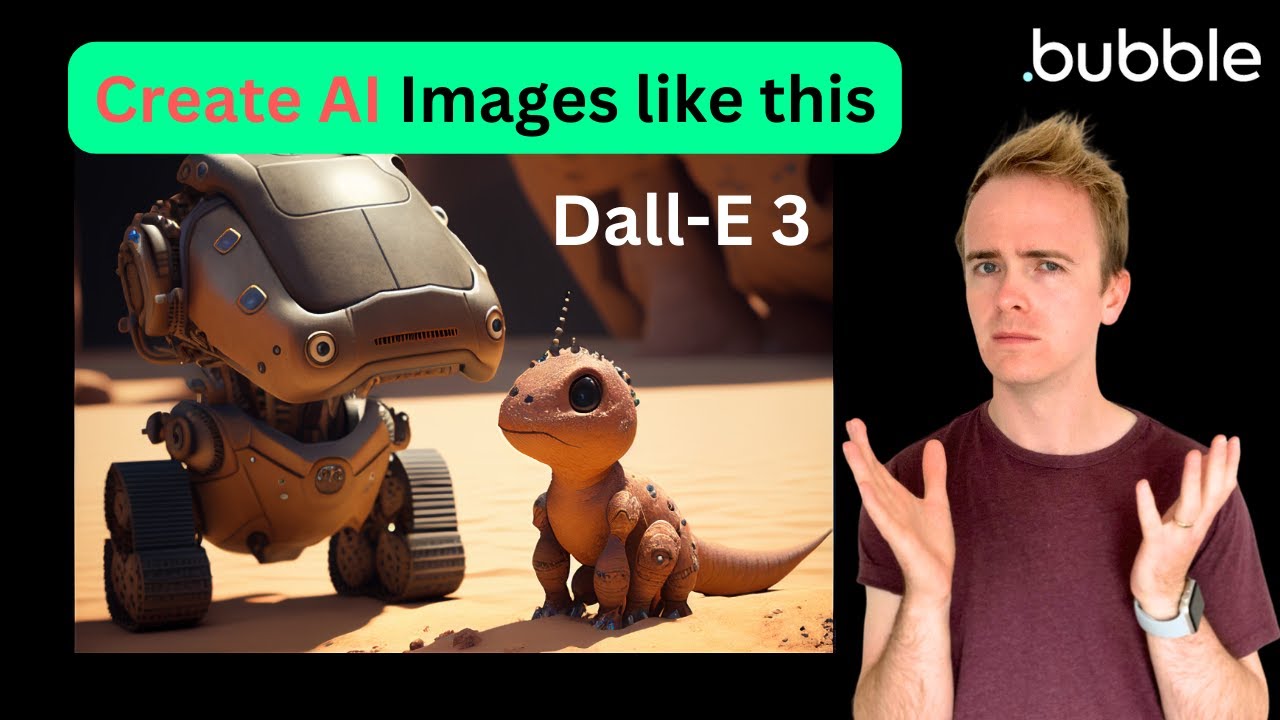
Watch nowIn this Bubble tutorial we demonstrate how to use the OpenAI DALL-E 3 API to generate AI images in your Bubble app.
Watch nowIn this Bubble tutorial we provide a beginners guide to Workflows in Bubble.io including how to use a form to create new entries in the Bubble database and how to link these entries together in database relationships.…
Watch nowIn this Bubble.io tutorial we demonstrate how to create a Pie Chart in Bubble using ApexCharts by Thimo.
Watch nowIn this Bubble tutorial for beginners we explain how you can create new entries in your Bubble database using a form. We use the Create new thing workflow action to create a new contact using 2 input fields.
Watch nowIn this Bubble tutorial we demonstrate how to create UI and workflows to integrate into the speechgen.io API. We build a simple text to speech app with Bubble.io
Watch nowAfter this video was recorded, on April 12th, Bubble made changes to their April 6th announcement. (Source) We're diving deep into Bubble.io's latest pricing update, which introduces the concept of Workload Units (WUs).
Watch nowIn this Bubble tutorial we demonstrate how easy it is to create a Twitter clone with Bubble.io in under 20 minutes.
Watch nowSave transcripts from your AI voice assistant built with Bubble.io.
Watch nowLearn how to build your own custom GPT with no-code, Bubble.io, and the OpenAI API in just 20 minutes! Capitalize on the power of no-code development and the ease of Bubble.io to customize AI for your unique business…
Watch nowIn this Bubble tutorial, we'll guide you through the process of creating a form in Bubble.io. You'll learn how to add design elements and create a functional form for your projects. We'll cover topics such as adding…
Watch nowLearn how to effectively create functions using Bubble.io's new feature called Return Data on custom events in this tutorial video. With reusable elements, you can easily deploy complex calculations and formulas across…
Watch nowIn this Bubble tutorial we demonstrate how to use the AssemblyAI transcription and speaker labelling API with backend workflows to loop through every 'utterance' returned by AssemblyAI.
Watch nowHere is every step needed to create an OpenAI GPT-4 powered chatbot using Bubble the no-code web app development platform. Discover how to use the Bubble API Connector to connect directly to the OpenAI API, how to…
Watch nowIn this Bubble tutorial we explain how to build a chat app with Bubble between your Bubble app users. This second video in a 3 part series focusses on additional UI elements required to build your own chat app and how…
Watch nowIn this Bubble tutorial we explain how to build a chat app with Bubble between your Bubble app users. This third video in a 3 part series completes this mini series demonstrating how to build your own chat app by…
Watch nowIn this video, we'll show you how to leverage Bubble.io's powerful no-code platform to create a ChatGPT app.
Watch nowIn this Bubble.io tutorial video we demonstrate how to create a nocode Zoom clone using Bubble.io and Daily.co
Watch nowIn this Bubble.io tutorial video we demonstrate the extra steps you'll need to take in order to display an average star ratings value that users can return to and update using the Bootstrap Star Rating Input visual…
Watch nowLearn how to easily generate automatic invoice numbers in your Bubble.io app without any coding required. Perfect for solopreneurs and startups diving into the world of no-code development.
Watch nowIn this Bubble.io tutorial video we show how to set up an API Connector integration with Page2API so that you can scrape content you've targeting from a website and save to your Bubble.io database.
Watch nowIn this Bubble tutorial video, learn how to seamlessly integrate data from Make.com to your Bubble app, showing you how to set up a scenario workflow to send and receive data effectively. Dive into the world of no-code…
Watch nowIn this Bubble tutorial we demonstrate how to connect Zapier to Bubble. In our example we scrape data from a podcast called Diary of a CEO and import this data into Bubble using a Zapier Zap.
Watch nowIn this Bubble tutorial we'll demonstrate how to split text generated by OpenAI / ChatGPT and save each part of the AI generated text as a new entry in our Bubble database.
Watch nowLearn how to build a custom invoicing web app without any coding knowledge using Bubble.io in this step-by-step tutorial. Dive into the world of no-code development and create your own personalized invoicing system with…
Watch nowLearn how to create an invoicing app with no code using Bubble.io in this tutorial. Discover the power of no-code app development and streamline your invoicing process effortlessly.
Watch nowIn this Bubble.io tutorial video we demonstrate how the Google Map element in Bubble can display multiple markers at once.
Watch nowLearn how to incorporate scheduling features into your Bubble.io app with this tutorial. Discover how to set up a post scheduler with a user-friendly interface, perfect for building social media scheduling apps without…
Watch nowExplore the possibilities of creating your own video conferencing web app using no-code platforms like Bubble.io with expert guidance from a no-code educator. Discover how to seamlessly integrate the whereby REST API…
Watch nowIn part two of our series, we explore using Bubble.io and the whereby embedded API to create a seamless no-code video conferencing app in record time. With step-by-step guidance and tips on authentication, creating…
Watch nowIn this Bubble tutorial we demonstrate how to use the OpenAI Assistant API, OpenAI Thread API and Bubble API Connector.
Watch nowLearn how to add OpenAI GPT-4o to your Bubble.io app with this beginner's guide to integrating AI using no-code development.
Watch nowIn this Bubble tutorial we demonstrate how to use the new OpenAI JSON mode. Any Bubble app creator using OpenAI in their Bubble app will benefit from this tutorial because JSON mod returns a much more reliably formatted…
Watch nowIn this Bubble.io tutorial we'll show you how to process and store SMS replies to your ClickSend SMS notifications. ClickSend is a great alternative to Twilio.
Watch nowLearn how to efficiently manage multiple entries and create individual items in your Bubble.io database using backend workflows.
Watch nowWeb scraping Google search results is easy with the Serper.dev API. In this Bubble.io tutorial we demonstrate how to use the Serper.dev API to fetch Google Search results into your Bubble app. A must for anyone building…
Watch nowPart 2 of our SEO and Google Search web scraping series using the Serper.dev API. In this Bubble tutorial video we demonstrate how to use backend workflows to save each search result as a new record in your Bubble app's…
Watch now





![How to Generate an Invoice Number Automatically in Bubble.io [2024] thumbnail](https://img.youtube.com/vi/eg6vKGraN-k/maxresdefault.jpg)