Google Street View in Bubble.io
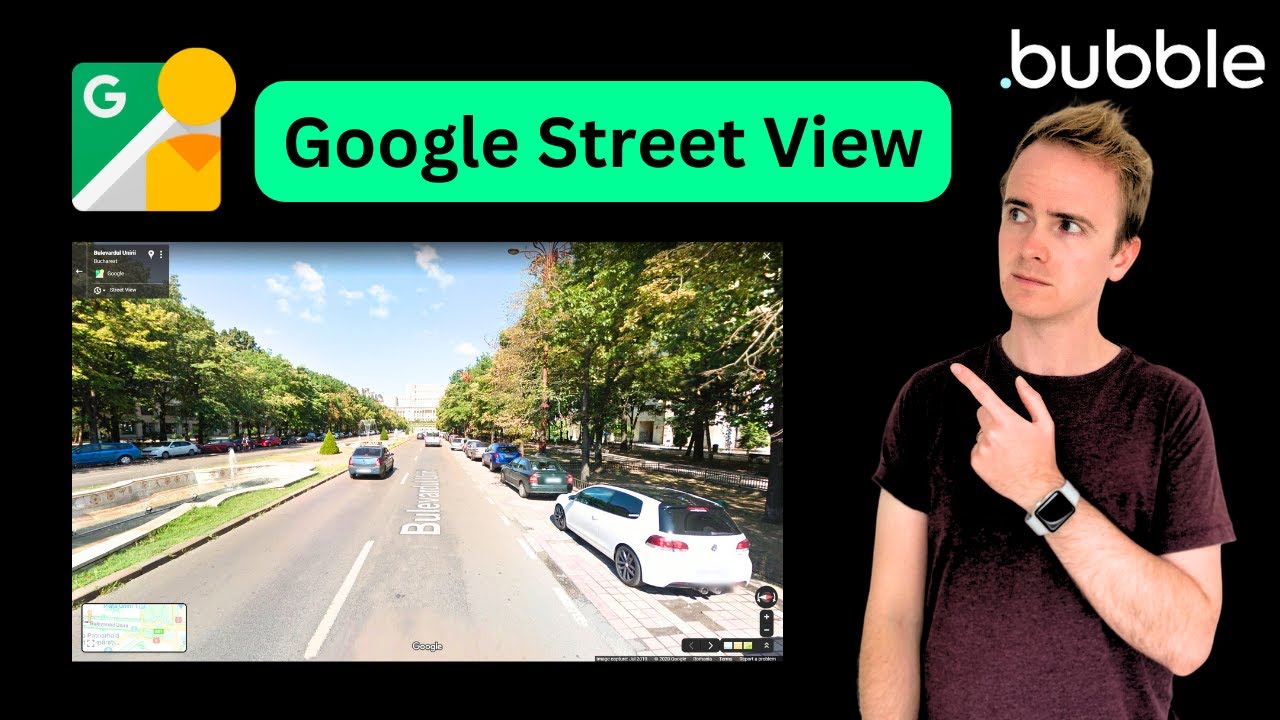
In this Bubble.io tutorial we explain how to use the Google Street View Static API and Searchbox Address lookup to display a Google Street View image of an address in your Bubble app.
Watch now
Add interactive Google Maps to Bubble.io apps. Learn to display single and multiple markers, use Street View, search locations and build location-based features.
In this Bubble.io tutorial video we demonstrate how the Google Map element in Bubble can display multiple markers at once.
Watch: Multiple Map Markers On Google Maps Using Geographic Data →In this Bubble.io tutorial we explain how to use the Google Street View Static API and Searchbox Address lookup to display a Google Street View image of an…
Watch: Google Street View in Bubble.io →In this Bubble.io tutorial video we show how to link a Search field with a Google Maps instance. This video demonstrates and explains the need to store address…
Watch: How to Use Search Element to Display Single Map Marker On Google Maps →In this Bubble.io tutorial we explain how to use the Google Street View Static API and Searchbox Address lookup to display a Google Street View image of an address in your Bubble app.
Watch nowIn this Bubble.io tutorial video we show how to link a Search field with a Google Maps instance. This video demonstrates and explains the need to store address data as Geographic field data in order to provide the…
Watch nowWelcome to another in-depth Bubble tutorial where we delve into the integration of Serper.dev's Places API with Google Maps for a powerful and intuitive mapping experience.
Watch nowIn this Bubble.io tutorial video we demonstrate how the Google Map element in Bubble can display multiple markers at once.
Watch now