
ID Attribute in Bubble.io
The ID Attribute in Bubble.io gives elements a unique identifier for CSS selectors, JavaScript functions and drag-and-drop libraries. Learn how and when to use it in your app.
How do I use the ID attribute to enable drag-and-drop repeating groups in Bubble.io?
In this Bubble.io tutorial video we demonstrate how to add drag and drop to your Bubble app. We set up the plugin 'Drag & Drop Repeating Group' by Minimum…
Watch: How to create drag and drop repeating groups in Bubble.io →How do I use the ID attribute to target elements with the fuzzy search plugin in Bubble.io?
In this Bubble.io tutorial video we demonstrate how using a Fuzzy Search plugin can enable you to expand search funciton beyond the built in Search Box. This…
Watch: Search across multiple fields in database with Fuzzy Search →How do I use the ID attribute with JavaScript to send a message on Enter key in Bubble.io?
In this Bubble tutorial, you will learn how to submit input from a text using an enter key and for it to automatically run a workflow based off that key press.
Watch: Finally! Send a message with the Enter key →

Finally! Send a message with the Enter key
In this Bubble tutorial, you will learn how to submit input from a text using an enter key and for it to automatically run a workflow based off that key press.
Watch now
How to add custom CSS to Bubble.io
Bubble is a fantastic no-code development platform. But sometimes you need a little code like CSS to perfect the design of your Bubble app. In this Bubble tutorial video we demonstrate 2 ways you can add custom CSS to…
Watch now
How to Add Tooltips to Your Bubble.io Web App
In this mini-tutorial, we'll teach you how to create and customize tooltips to guide your users and enhance their app experience.
Watch now
How to create a drag and drop gallery in Bubble
In this Bubble.io tutorial video we demonstrate how to create a drag and drop gallery and multi-image uploader using the 'Drag & Drop Repeating Group' plugin by Minimum Studio. This can be a useful element for building…
Watch now
How to create a Zoom clone with Bubble & Daily.co
In this Bubble.io tutorial video we demonstrate how to create a nocode Zoom clone using Bubble.io and Daily.co
Watch now
How to create drag and drop repeating groups in Bubble.io
In this Bubble.io tutorial video we demonstrate how to add drag and drop to your Bubble app. We set up the plugin 'Drag & Drop Repeating Group' by Minimum Studio and show you the first steps needed for creating a kanban…
Watch now
How to hide time from the Bubble calendar
In this Bubble tutorial we demonstrate how to remove the time stamp from calendar events in the month view using just a few lines of CSS.
Watch now
How to stop shadows from clipping within a repeating group
Here's a quick tip for working with repeating groups and shadows in your Bubble app.
Watch now
Improve your Bubble ChatGPT clone with this plugin
Finally you can create a true chat experience in Bubble with the Reverse Repeating Group plugin by Thimo. Design your Bubble ChatGPT clones or other chat apps to scroll to the bottom of the conversation just like…
Watch now
Search across multiple fields in database with Fuzzy Search
In this Bubble.io tutorial video we demonstrate how using a Fuzzy Search plugin can enable you to expand search funciton beyond the built in Search Box. This tutorial explains how to use the 'ZQ Fuzzy Search &…
Watch now
Styling Markdown Tables in Bubble.io
Learn how to easily style HTML tables in Bubble.io using simple CSS tweaks to enhance the look of your website - all without writing the code yourself.
Watch now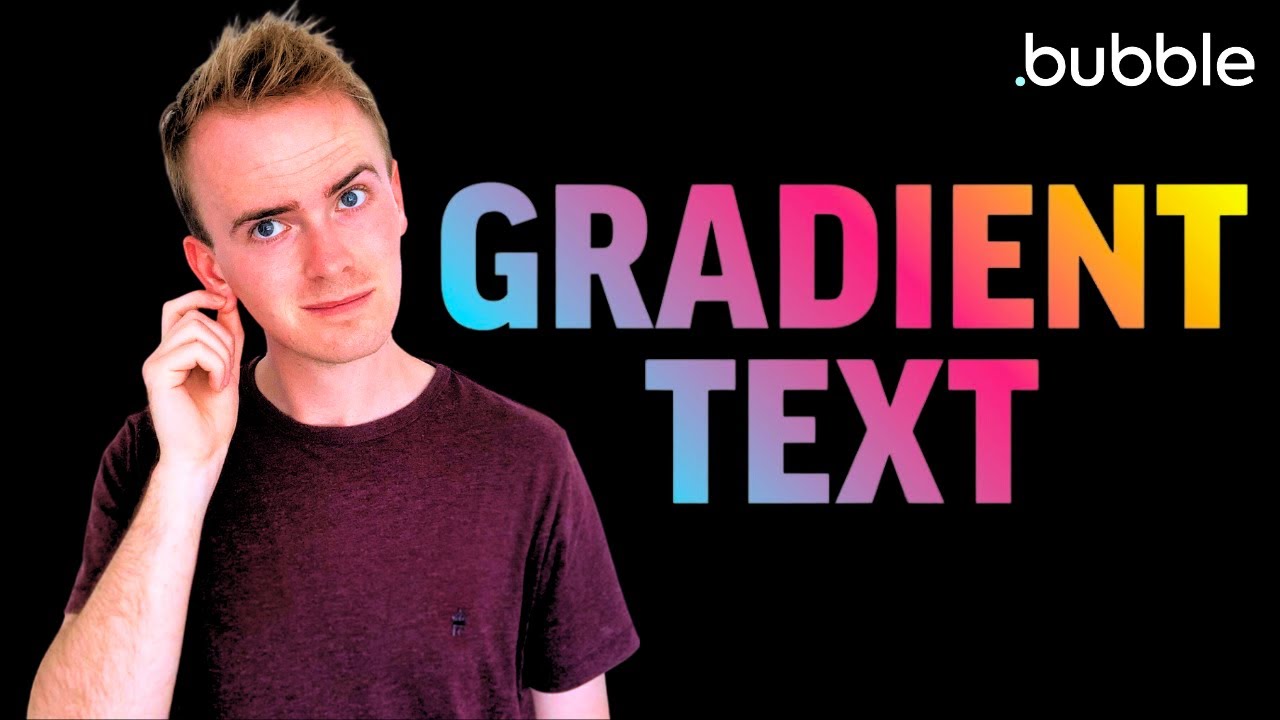
Text Background Gradient in Bubble - FREE, no plugin needed
In this Bubble tutorial video we demonstrate how to add a gradient background to text in your Bubble app using CSS and element IDs. No plugin needed.
Watch now