Bubble's Responsive Design vs its New Responsive Design Engine
In this Bubble.io tutorial video we discuss the differences between the old UI Builder and the new Bubble Responsive Engine that launched in June 2022.
Watch now
Gap controls the space between children in a row or column container in Bubble.io. Learn to use it for consistent card grids, list spacing and chat message layouts.
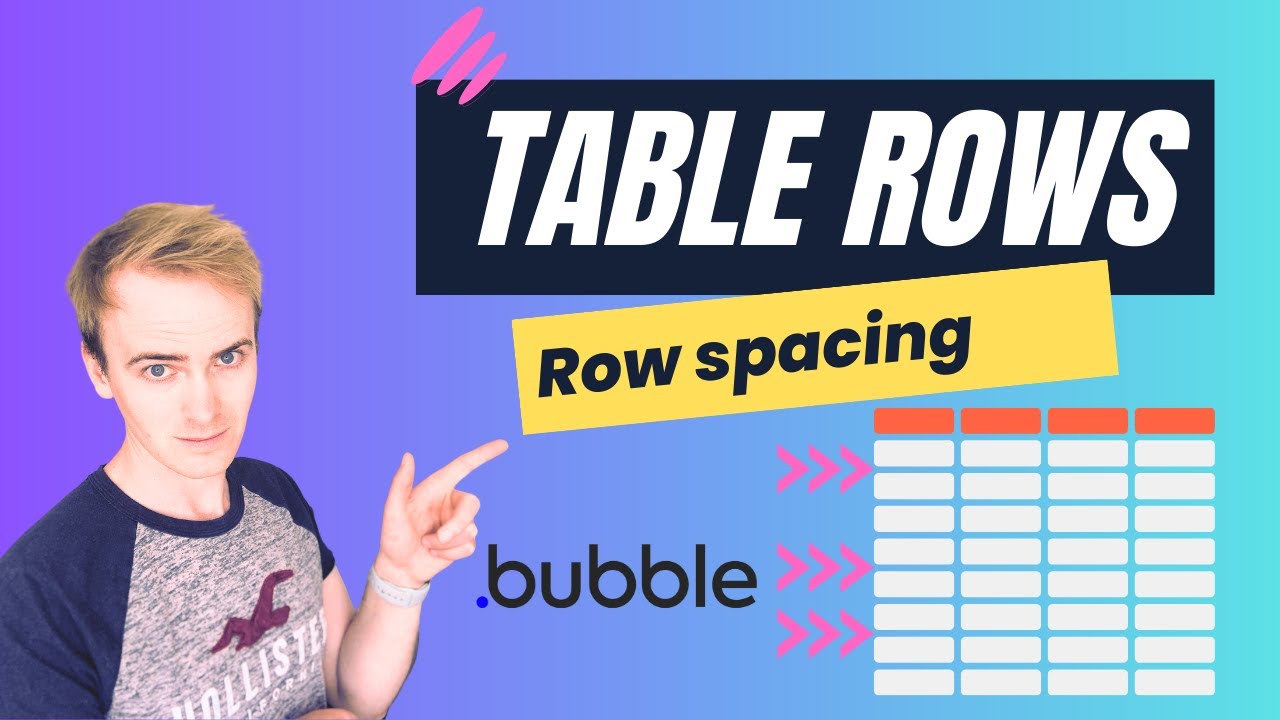
In this Bubble.io tutorial video we demonstrate the correct way to add uniform gap between rows in a repeating group you are using as a table element when…
Watch: Gap between repeating group rows →In this Bubble tutorial, I'm going to demonstrate how we can add some design improvements to the ChatGPT clone that I was building in my previous video.
Watch: ChatGPT Clone - how to format chat bubbles →In this Bubble tutorial video we explore one way to adding a Font Awesome icon to your text Input fields.
Watch: Responsive Engine: adding overlay icon in text Input V2 →In this Bubble.io tutorial video we discuss the differences between the old UI Builder and the new Bubble Responsive Engine that launched in June 2022.
Watch nowIn this Bubble tutorial, I'm going to demonstrate how we can add some design improvements to the ChatGPT clone that I was building in my previous video.
Watch nowIn this Bubble.io tutorial we demonstrate how to create a 2 column hero section using the new Bubble responsive engine. This tutorial video includes how to create a layout that has 2 columns with the text and image…
Watch nowIn this Bubble.io tutorial video we demonstrate the correct way to add uniform gap between rows in a repeating group you are using as a table element when building your no-code app with Bubble.io.
Watch nowIn this Bubble.io tutorial video we demonstrate how and why you might choose to manually convert a Figma template into Bubble. This video explains padding, margins and explains the basics of CSS to help you get started.
Watch nowIn this Bubble.io tutorial we demonstrate how to start laying out a page to display dynamic content from a single entry in your Bubble database. This video explains this process using a marketplace as an example but it…
Watch nowHere's a quick tip for working with repeating groups and shadows in your Bubble app.
Watch nowIn this no-code tutorial, I'm going to show you how easy it is to build a website without writing a single line of code using www.Toddle.dev. Toddle is a no-code platform that allows you to create websites and web apps…
Watch nowIn this Bubble tutorial video we explore one way to adding a Font Awesome icon to your text Input fields.
Watch now